For busy households
Thursday,
handled.
Assigns every task to the people on it and reminds them. Not another group thread.
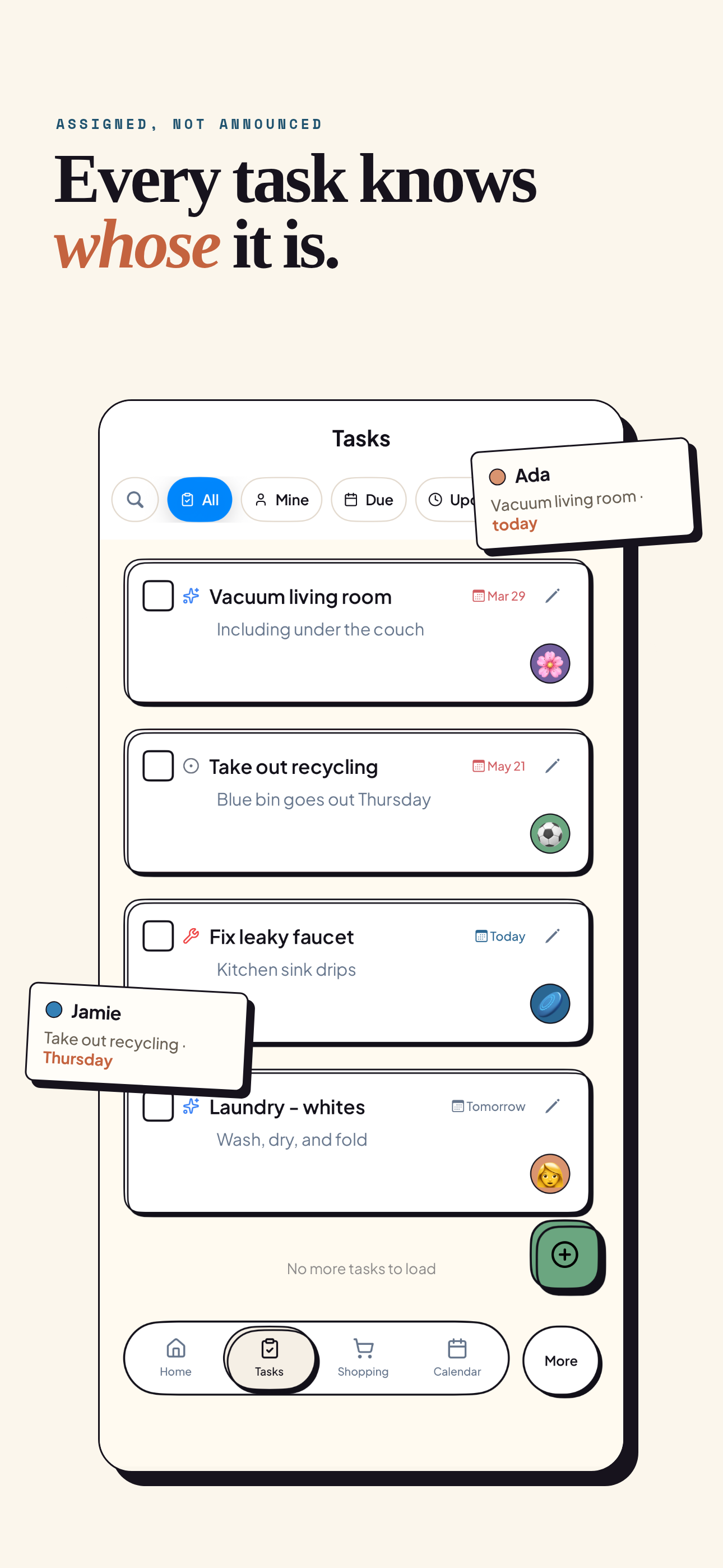
Shared Task Management
Organize household chores with flexible ownership, recurring schedules, reminders, and visibility for the whole family.
Unified Family Calendar
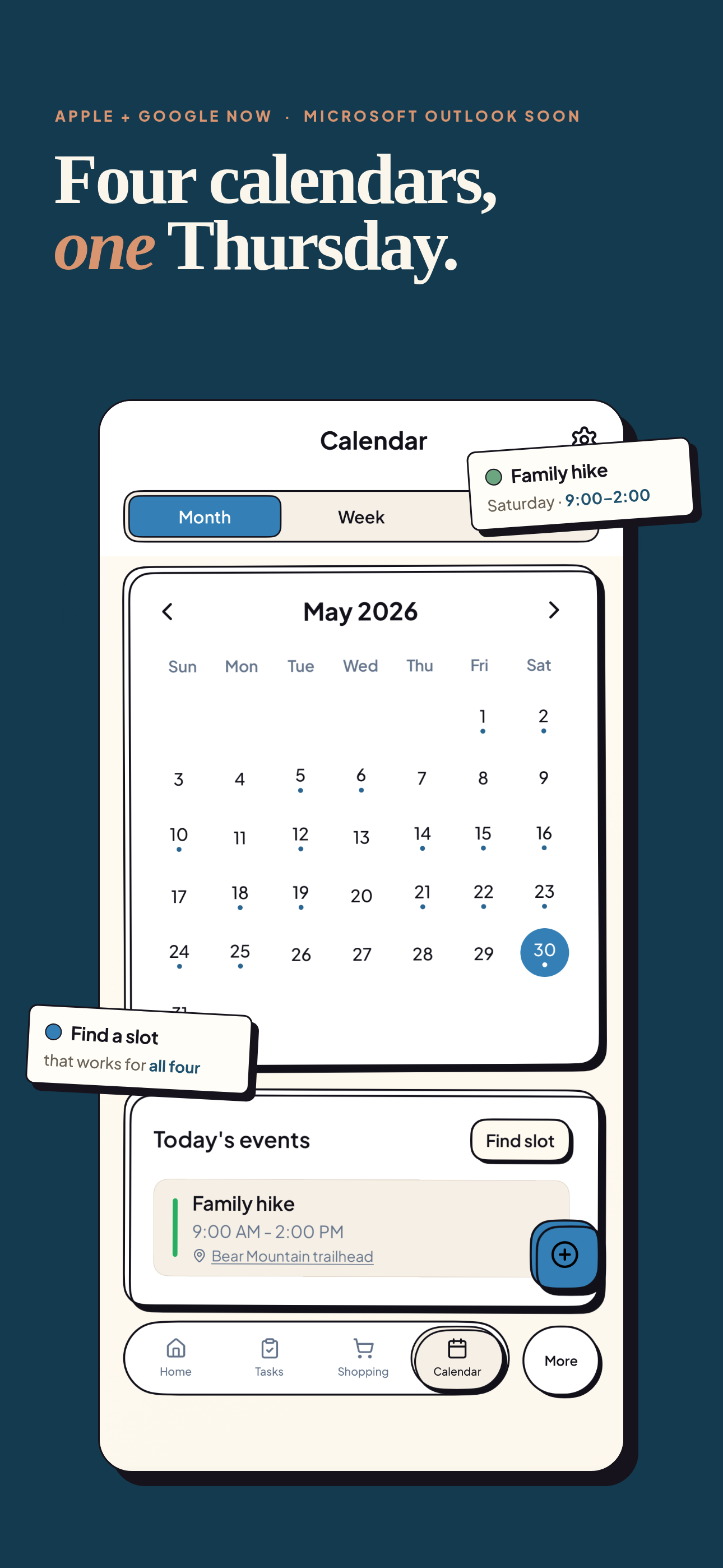
Bi-directional sync with Apple Calendar and Google Calendar, with Microsoft Outlook coming soon. Keep everyone in sync with shared events, reminders, and meal planning. (External sync in Premium)
Smart Shopping Lists
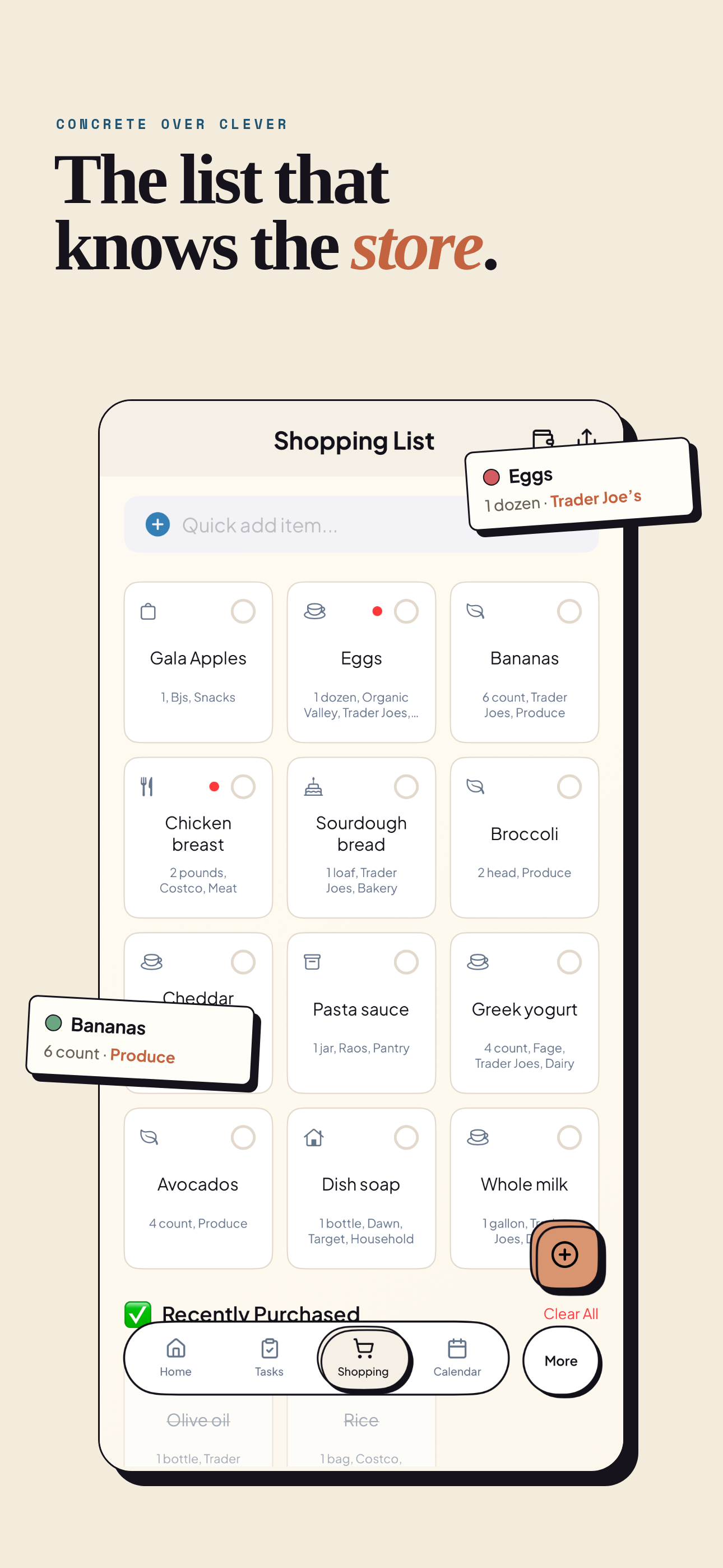
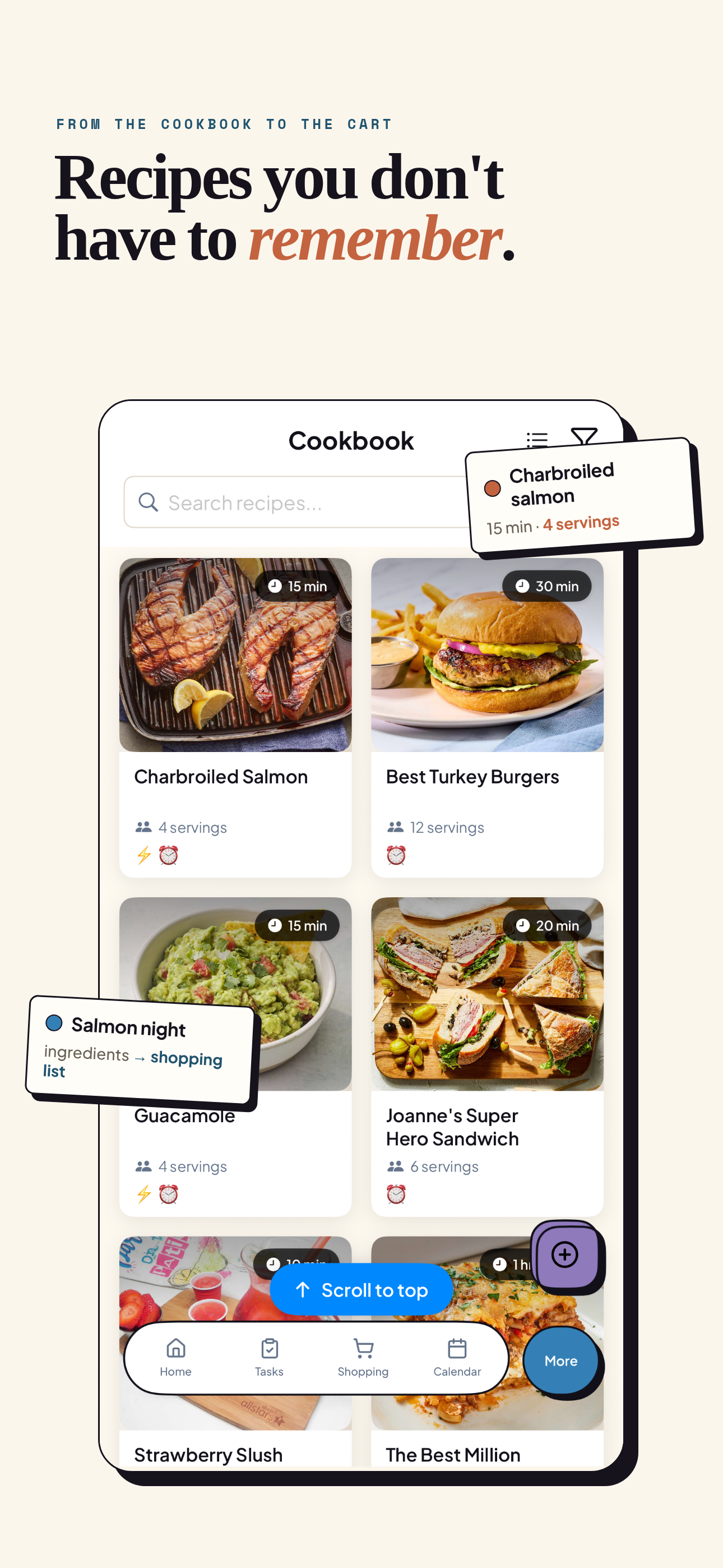
Advanced shopping lists with shared updates, meal integration, and organized categories for smoother weekly runs.
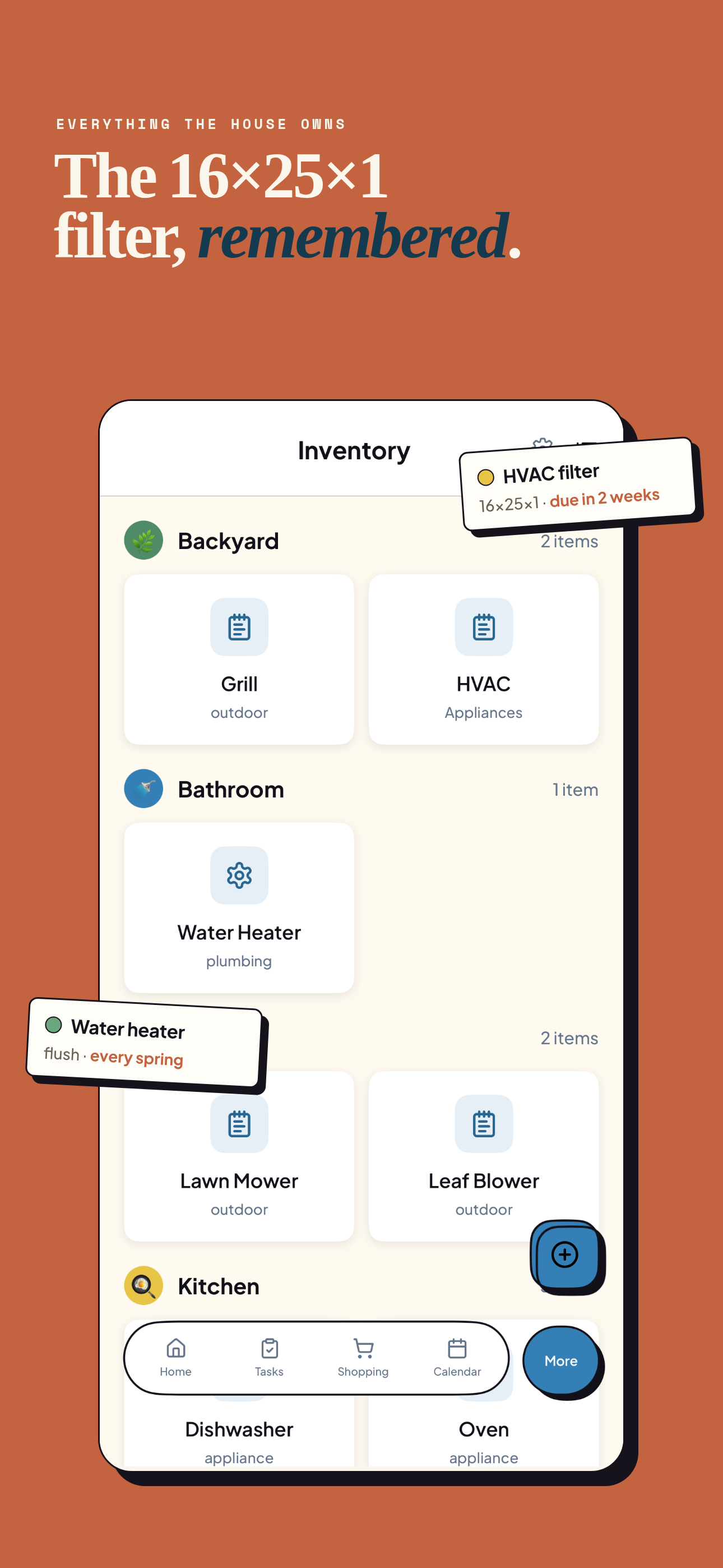
Home Maintenance Hub
Associate tasks with specific home items and rooms for organized upkeep. Track maintenance schedules and never miss important household care. (Premium)
Shared task owners make daily routines easier to scan, complete, and hand off across the household.
Calendar sync keeps school events, appointments, meals, and shared reminders visible in one family workspace.
Collaborative lists help families keep groceries, recipes, and home supplies organized before the next trip.
Choose Your Family's Plan
Start with our comprehensive free plan, or unlock expanded household tools and professional integrations with Clarity Home Premium.
Clarity Home Free
Perfect for families getting started with organization
Premium is purchased with Apple In-App Purchase. Pricing, taxes, renewal terms, trial availability, and cancellation details are shown in the app before purchase and may vary by region and currency.
Frequently Asked Questions
Everything you need to know about Clarity Home.
Is Clarity Home free?
Yes. At launch, Clarity Home will be free to download and use. The free plan includes basic task management, family calendar, shopping lists, recipe storage, and household member invitations. A Premium subscription ($49.99/year or $4.99/month) unlocks external calendar sync, expanded household tools, and advanced organization features.
Does this sync with Google Calendar?
Yes, Clarity Home Premium supports bi-directional sync with Google Calendar and Apple Calendar. Microsoft Outlook support is coming soon. You can import and export supported calendar events to keep your family schedule in one place.
Can children use it?
Yes, Clarity Home is designed for the whole family. Children can join parent-managed households through a secure invitation code, with age-appropriate permissions controlled by a parent or guardian. There are no ads.
What devices are supported?
Clarity Home is available on the App Store for supported Apple devices, with broader platform support planned.
How does task organization work?
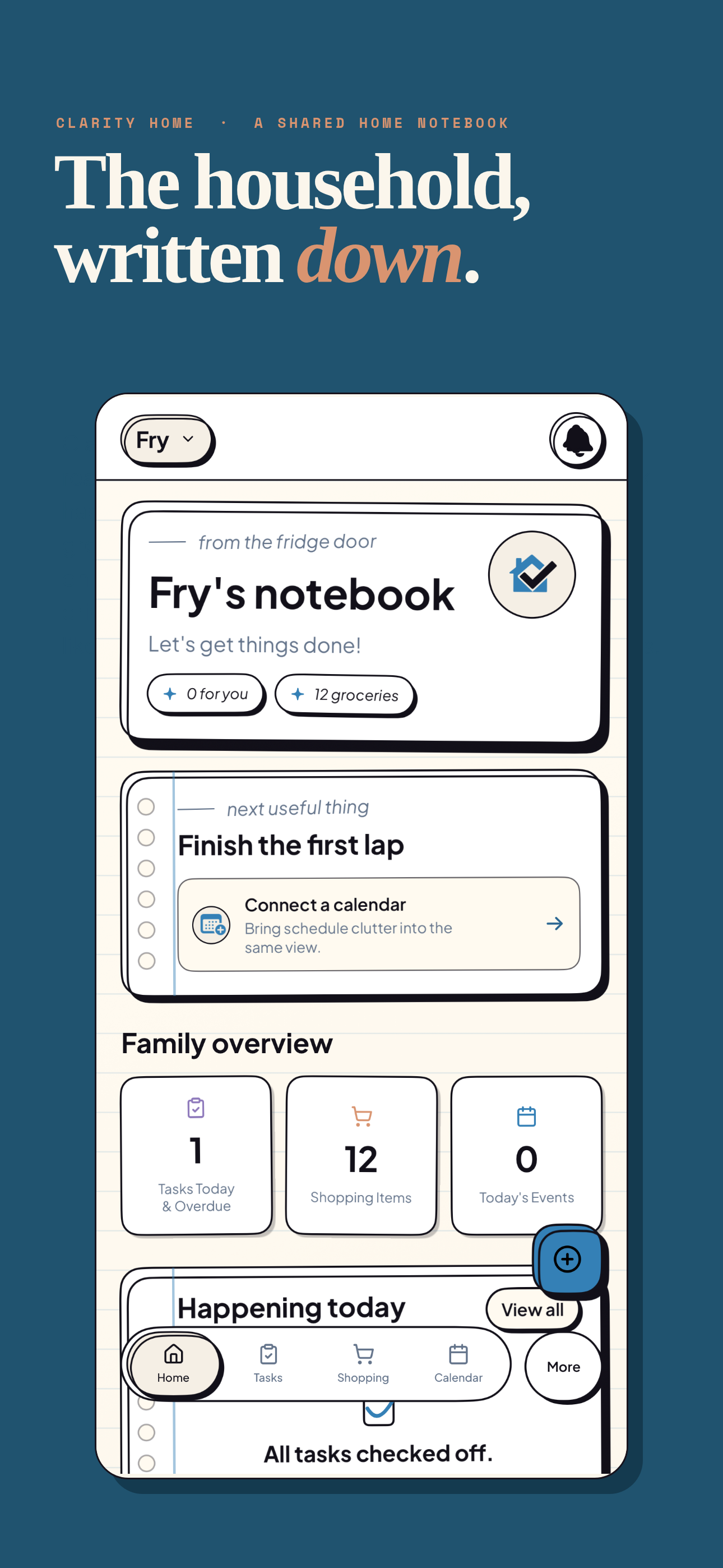
Clarity Home helps families organize chores and routines with shared task lists, recurring schedules, reminders, and flexible ownership so everyone knows what needs to be done.
Is my family's data private?
Yes, Clarity Home is privacy-first. All data is secured using industry-standard encryption, and your family's information is never sold to third parties.
Can I share shopping lists?
Yes, shopping lists in Clarity Home are fully collaborative. All household members can add, edit, and check off items in real time, with shared updates and purchase history visibility.
The Calm Home
Checklist
A simple 1-page guide to bring calm and clarity to your household routine. Enter your email to get instant access.
Check your inbox for the Calm Home Checklist.
Ready to Organize Your Family's Week?
Bring tasks, calendars, shopping, recipes, and household plans into one shared place with Clarity Home.